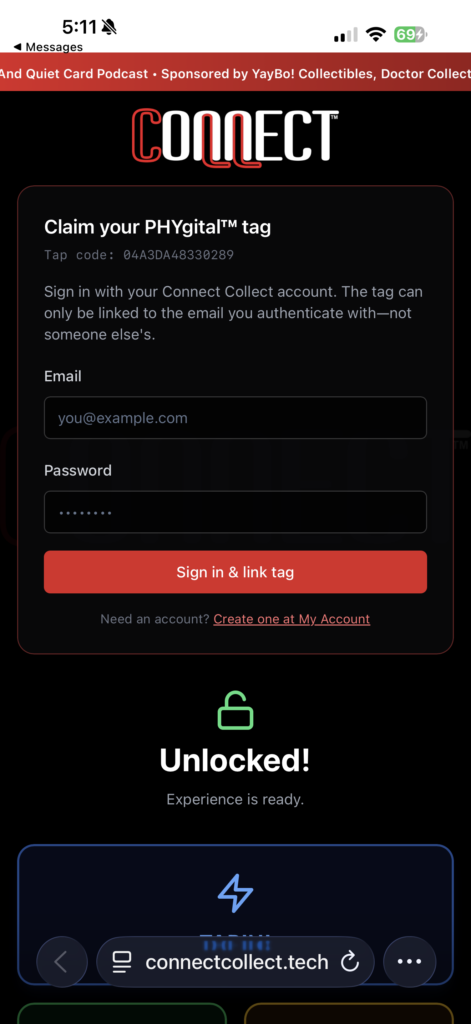
STEP 1: Create an Account
Click on link for Create one at My Account.
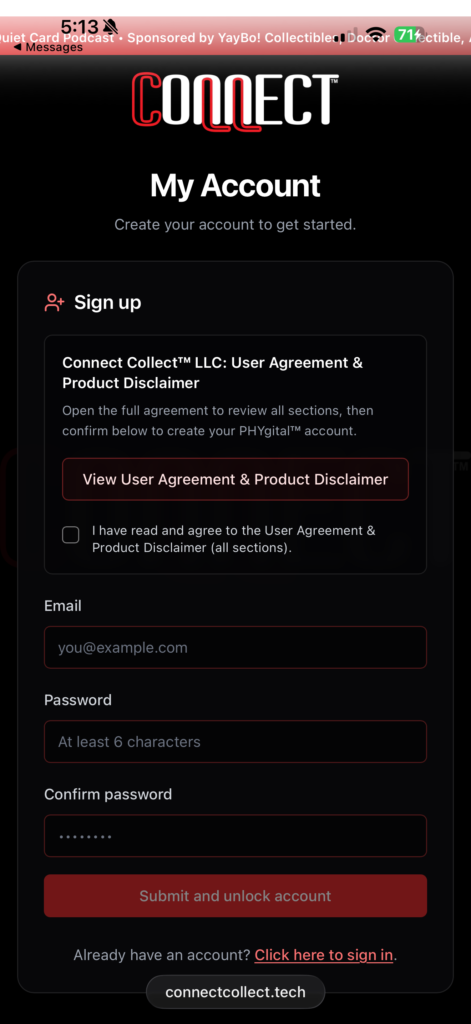
STEP 2: User Agreement
Read and select box for User Agreement & Product Disclaimer.
STEP 3: Enter Your Email
Input your email address and password in the provided field. This is a one-time setup required for each new device you use to tap in. This secures your session and links this specific PHYgital™ to your profile. Select Submit and unlock account button.
STEP 4: Submit and Unlock
Choose submit and unlock button.
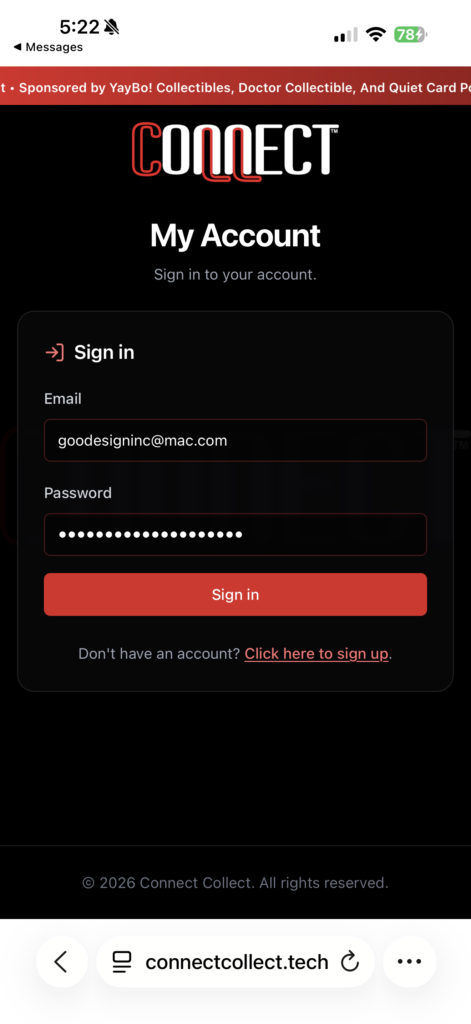
STEP 5: Sign In
Input your email address and password.
STEP 6: My Profile
Create your profile.
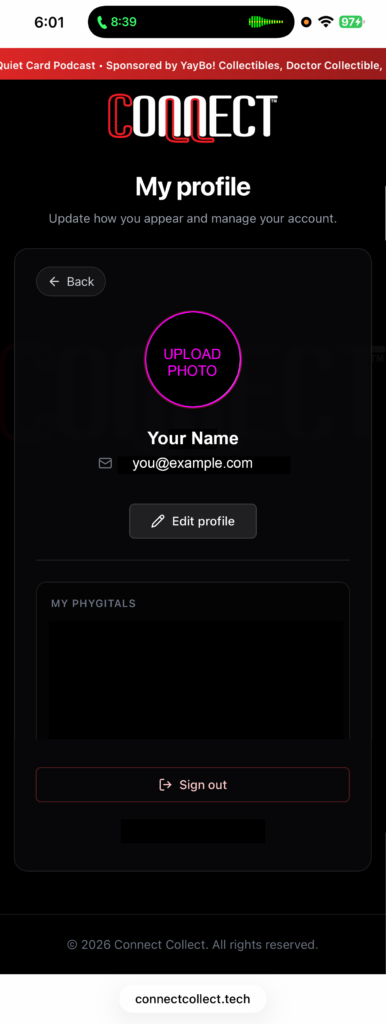
PLEASE NOTE: The My PHYgitals™ section lists all of your owned PHYgitals™. Once you have claimed, they will all appear here.
STEP 7: Claim My PHYgital™
Press the Claim My PHYgital™ button. Hit the Sign in & link tag button.
STEP 8: Now Unlocked!
Press Back in upper left corner. Use the dashboard links to set up your custom URLs in FUND ME and BE SOCIAL.
From the additional dashboard links you can visit connectcollect.fun for gaming, connectcollect.online for live auctions, or connectcollect.shop for more products.
PLEASE NOTE: The TAPIN! Button on dashboard takes you to your featured content.
STEP 9: Enjoy!!